⭐ House accounts
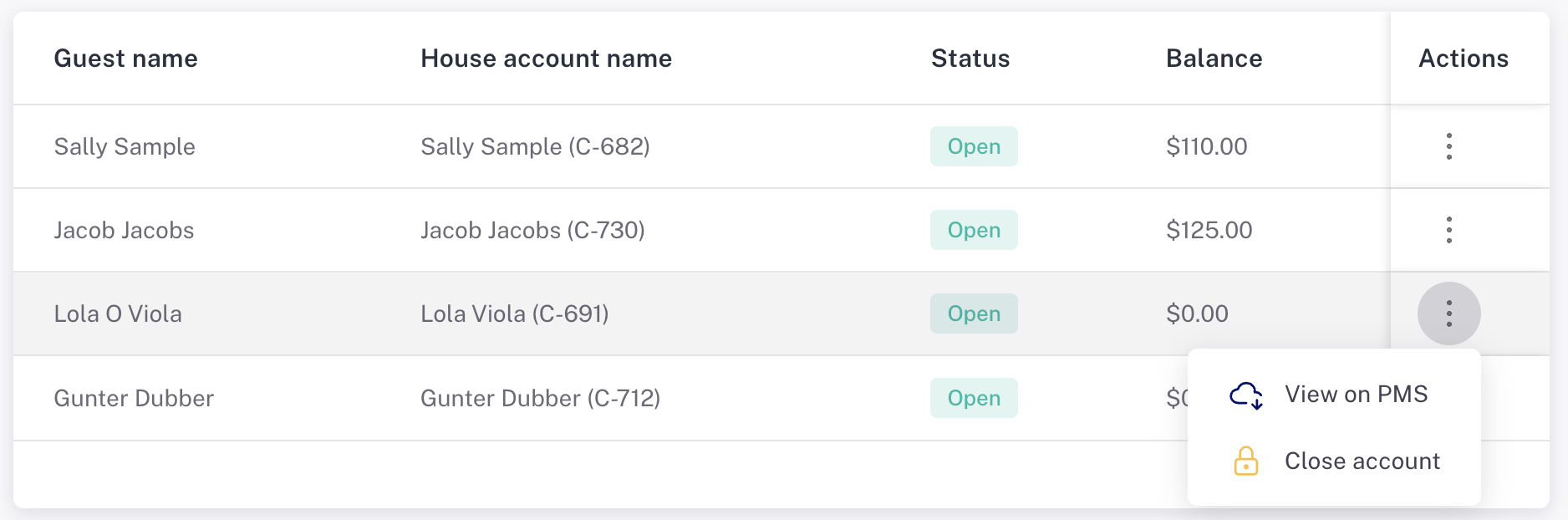
If your Planniac account is set up to create individual house accounts on Cloudbeds for outside guests, then this report will show those house accounts.
Set up house accounts in
Go to General Settings
Toggle this switch 'on' to enable individual house accounts.
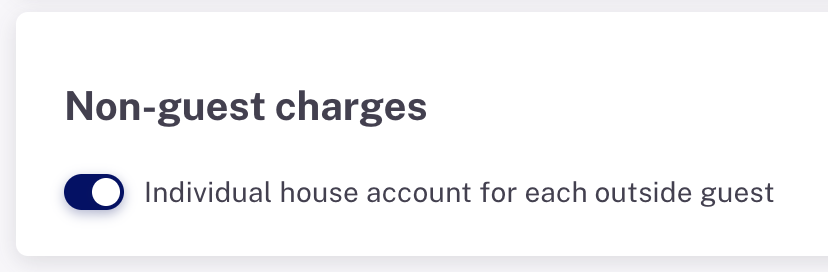
If this toggle is 'off', then when you use 'House account' as the payment method it will go into a combined house account in Cloudbeds that is simply labeled 'Planniac Non-Guest House Account'.
Create an outside guest
When it's set up with the above setting, when you create a new outside guest, Planniac will create a Cloudbeds house account for them. You'll be able to bill activities to the house account and then use Cloudbeds to manage the payment.
If you created an outside guest prior to turning on the toggle switch in settings, the system will ask you if you'd like to create a house account the next time you initiate a house account payment.
See the House Accounts report
This report will show you any guest who has an open house account balance. You can also go back and look at previous house account charges and payments. And there's a link to take you directly to the PMS to view the house account charge details.