
Settings > General settings
If you're connecting with a PMS, some of these details will already be pre-filled and greyed out. That means the information has come from your PMS and Planniac needs to keep it set up that way to make sure everything syncs properly.
The rest of the information is used by Planniac in various ways so it's best to take a minute and enter it all.
Cloudbeds add-ons
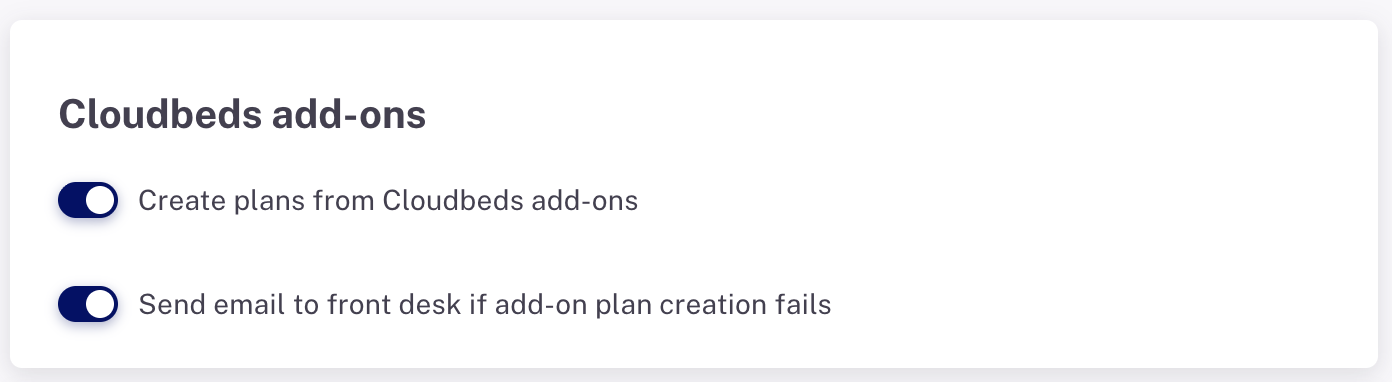
- Whether to enable the creation of plans from Cloudbeds add-ons
- Whether to notify the hotel if an auto-create plan fails to create for any particular reservation
Auto-create planns

- Charge final deposit (x days prior to arrival)
- Inspect room (day of arrival)
- Assign door code (day of arrival)
- Complimentary Happy Hour (day of arrival)
- Seasonal, such as 'Mothers Day Setup' (Saturday & Sunday of Mothers Day Weekend)
Guest charges
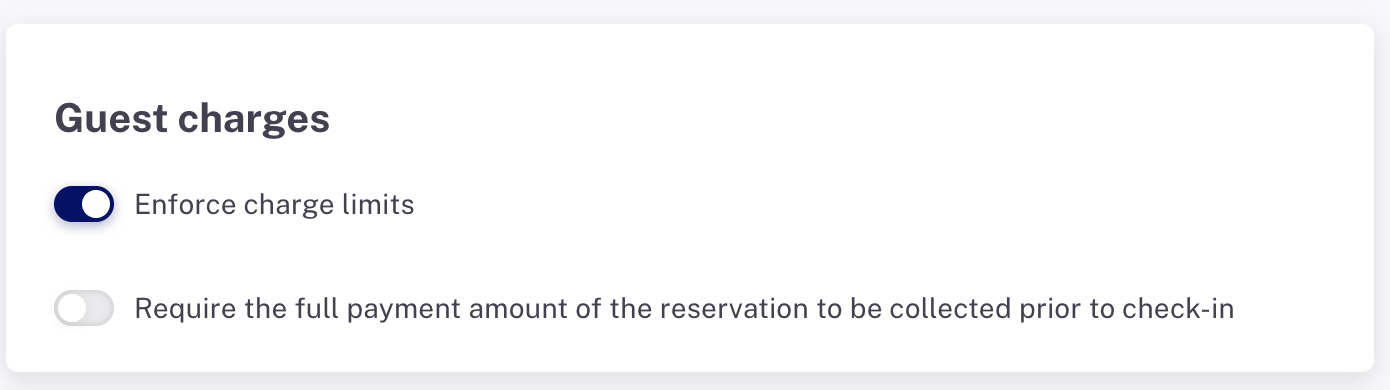
- Set whether to enable the enforcement of charge limits so that a user is unable to add a charge to the guest folio when a pre-defined limit is set for any guest.
- Set whether Planniac will allow a guest to be checked in (via Planniac) if there is an uncollected balance in their Cloudbeds folio.
Non-guest charges & individual house accounts

By turning this toggle switch 'on', this setting enables creating an individual house account for each outside guest for posting charges to Cloudbeds. If you use Cloudbeds for payments, this is a great way to keep track of all those charges. The charges for a particular outside guest will appear on a ledger similar to a folio with that non-guest name and Planniac ID.
If the toggle switch is turned 'off,' a posting to House Account would go into a general house account folder (so charges for all non-guest postings go into the same folio).
The house account report won't show anything if this toggle is not turrned 'on'.