
✅ HOW TO: Use 'My profile' on Planniac
Manage your profile settings and reset your password
On the top right of your screen, you'll see a small round avatar with your initials. Click on that and a small menu will show:
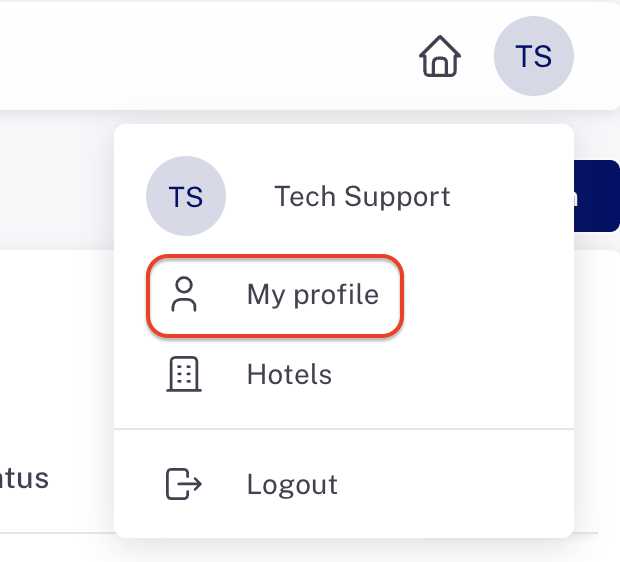
From here you can edit your personal details and change your password.
Note: you won't be able to edit your own email address. If you need to change it, ask a company admin to change it in the Settings > Team Members section.
Last updated: 11/16/25, 11:42 PM