
✅ HOW TO: Hide tasks
If your hotel uses Planniac for tasks like reservation reminders, front desk inspections, etc., 'Hide tasks' can be a useful feature
We said 'Hide tasks'...not 'Hide from tasks'...🙄
On the Planns page, you might have a lot of tasks that your Admin has set up for daily completion. But sometimes, that list of tasks can get overwhelming if you're not the person responsible.
That's why Planniac added a 'Hide tasks' toggle switch that you can turn on to focus only on activities like tours, transfers, spa, rentals, etc.
You'll find it under 'Filters' on the top of the Planns page.
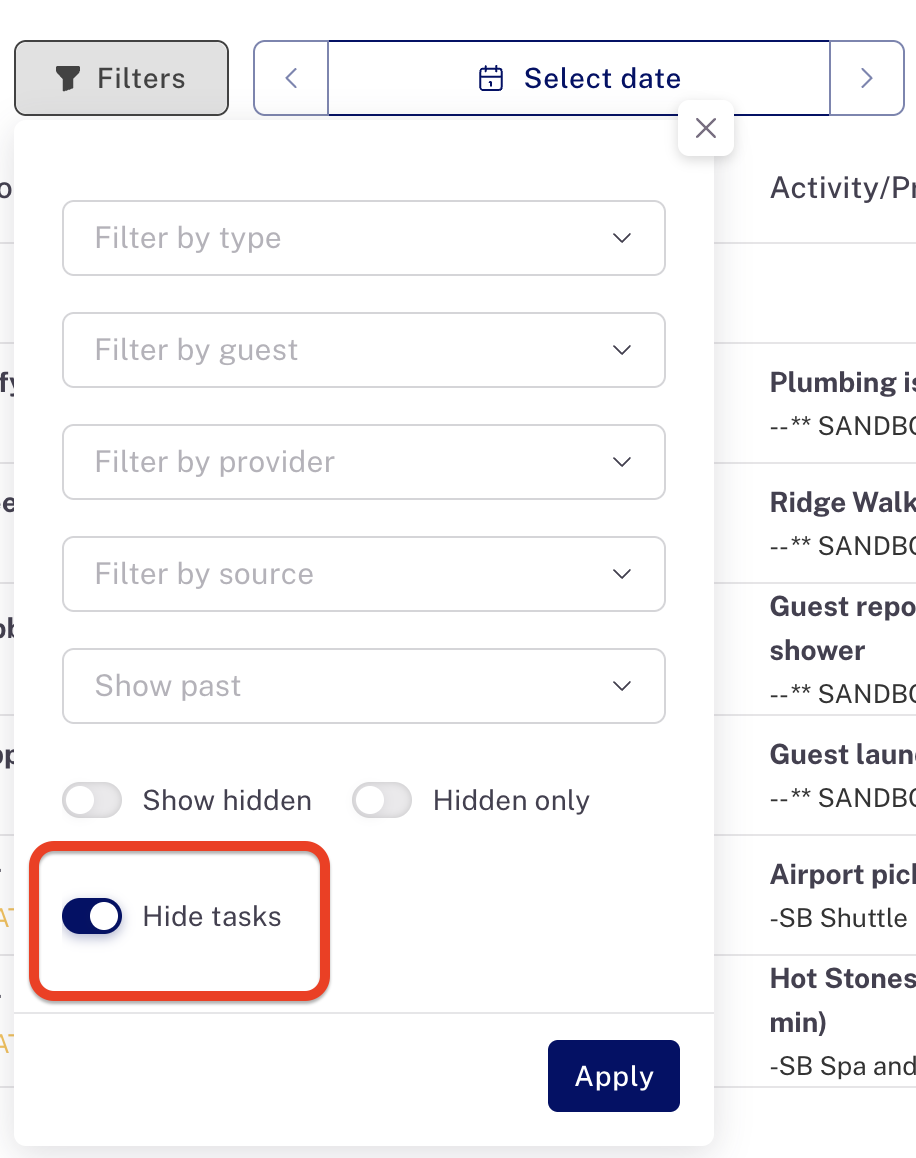
This will stay activated until you log out -- so if you have tasks to attend to be sure to flip the switch again to see them.
Last updated: 1/16/26, 2:20 PM