
✅ HOW TO: Planns page: filters
Use these filters to narrow your search or find activities in the past
Filtering options
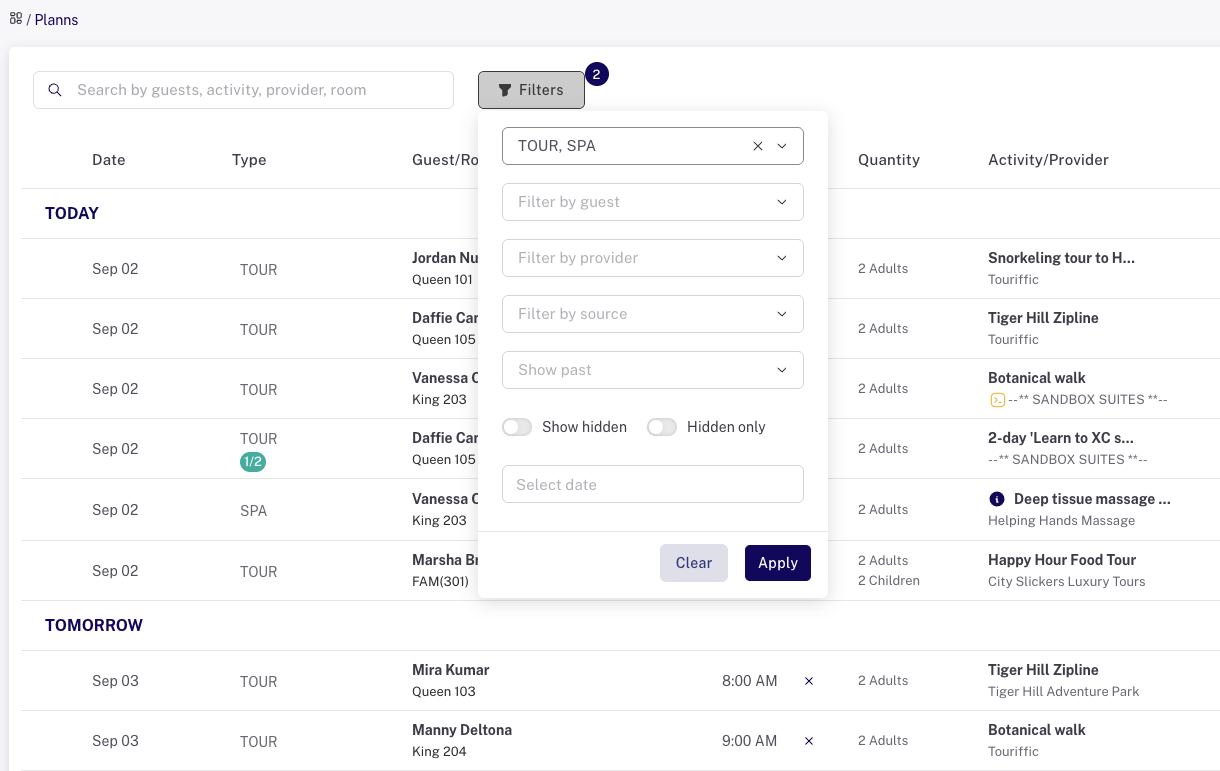
Filtering by activity type
The first filter in the group is "Filter by type." Use this to find all tours, all transfers, all spa activities, etc. You can select just one or more than one.
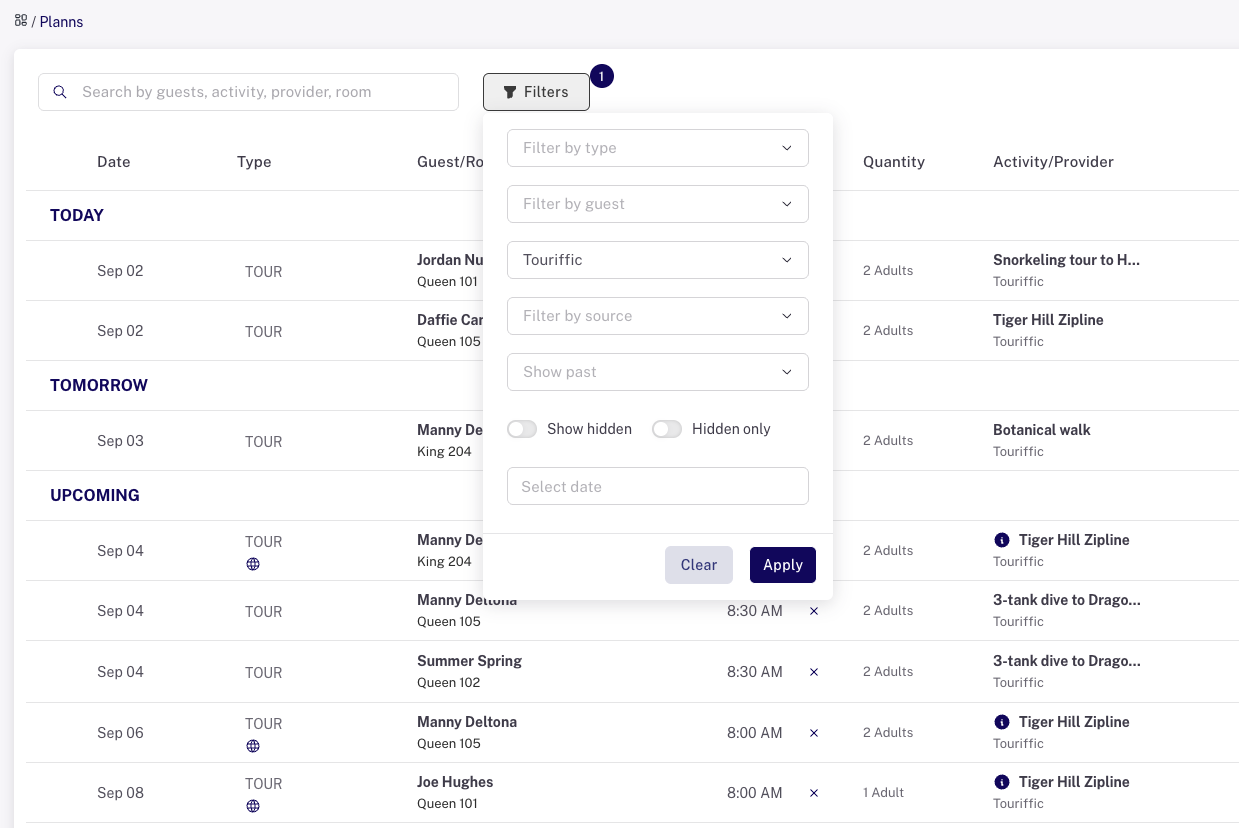
Filtering by provider
It can be convenient to look at all the activities scheduled for a certain provider.
Date filters
You can also see the calendar seven days back, thirty days back or one year back. This is useful for seeing past activities where guests have already checked out and paid, or tasks that have been completed.
Use the "Show hidden" to display activities that are completed that have the "hide" setting activated in Settings > Status lists. Select by past dates if you want to include those.
Last updated: 11/16/25, 11:35 PM